Why transcription matters for dissertation research
Qualitative dissertations rely on interview data as primary evidence. A verbatim transcript gives you a permanent, searchable record of what each participant said, making it possible to code themes, pull direct quotes, and verify your analysis against the original source. Without a transcript, working from audio alone is slow and error-prone.
Supervisors and examiners also typically expect a written record of interview data, and a timestamped transcript with speaker labels is the clearest form that record can take.
Choosing the right transcription method
Researchers generally choose between manual transcription, outsourcing to a human service, or using an AI tool. Each has trade-offs:
- Manual transcription. Takes roughly four to six hours per hour of audio and is prone to fatigue errors on long recordings.
- Human transcription services. Are accurate but expensive, slow, and raise confidentiality questions about who handles your data.
- AI transcription (Vook). Processes one hour of audio in under a minute, reaches up to 99% accuracy on clear recordings, and stores your audio and transcripts in France under GDPR.
For most dissertation students, an AI tool with a built-in editor to correct the remaining errors is the most practical balance of speed, cost, and accuracy.
How speaker diarization helps qualitative analysis
Diarization is the process of separating a recording into segments by speaker. Vook assigns a label (Speaker 1, Speaker 2, etc.) to each turn automatically. For dissertation interviews, this means the interviewer's questions and the participant's answers are already separated in the transcript, saving significant editing time.
When you export to DOCX or PDF, the speaker labels are preserved. Rename each speaker to a participant pseudonym in the editor before exporting, and your labels stay consistent across all transcripts in your dataset.
Preparing participant-safe transcripts
Most ethics frameworks require you to protect participant identities in any document that may be read by others. Vook's built-in editor gives you the tools to clean up speaker attribution and text before you export. Key steps to follow:
- Rename speakers. Replace generic labels with agreed pseudonyms or codes (P1, P2) throughout the transcript.
- Fix the text. Correct misheard words directly in the editor so quotes are accurate.
- Reassign passages. If diarization attributed a turn to the wrong speaker, reassign it to the right one so the final document reads cleanly.
Once your transcript is clean, export to PDF for archiving or DOCX for further editing in your word processor, where you can pseudonymize any remaining identifying details.
Data protection and ethics compliance
University ethics committees increasingly scrutinize where research data is stored. With some providers, storing sensitive interview recordings outside the EU can conflict with what participants were promised about data protection. With Vook, your audio files and transcripts are stored in France (EU) and encrypted with AES-256 at rest, and Vook.ai is a French company, GDPR-native by design.
Vook never uses your files to train AI models and never shares data with third parties for advertising. Files stay in your account until you delete them; deleting a transcript removes its audio. A Data Processing Agreement is available on request, which many institutions ask for before approving a third-party tool for research data.
Getting the most accurate transcript from your recording
Transcription accuracy depends heavily on recording quality. A few practical steps before you upload will make a measurable difference:
- Record in a quiet room. To reduce background noise that the AI must filter out.
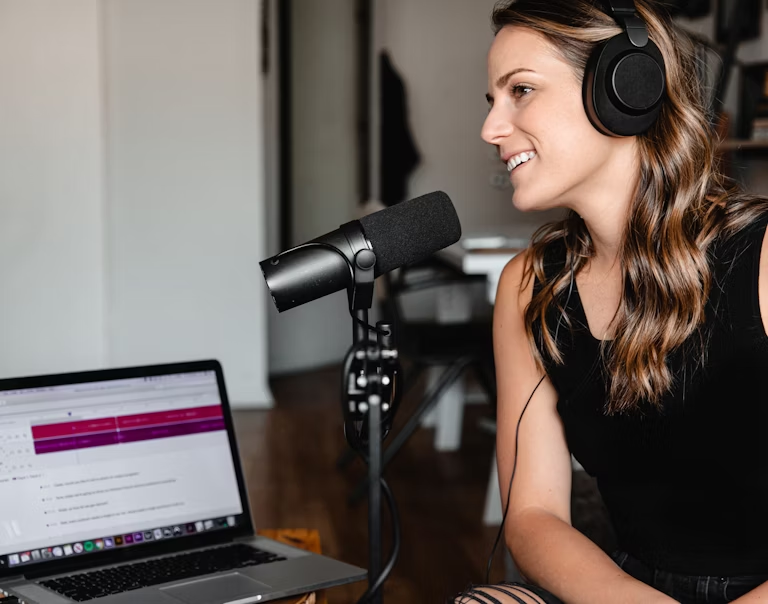
- Use a dedicated microphone. Rather than a laptop's built-in mic, especially for in-person interviews.
- Ask participants to speak one at a time. Where possible, as overlapping voices reduce diarization accuracy.
- Choose WAV or FLAC. If your recorder supports lossless formats, since compressed audio can lose detail at low bitrates.
Even with imperfect audio, Vook's editor lets you correct errors quickly. Clicking a segment in the transcript jumps to that point in the audio, so you can listen and fix in context rather than re-reading the whole document.