What is case file transcription?
Case file transcription is the process of converting audio or video recordings related to a case into written text. These recordings can include client interviews, depositions, field visit notes, compliance calls, hearings, or any other spoken content that belongs in a case file.
Traditionally, this work was done by human typists, which was slow and expensive. AI-powered tools like Vook.ai process an hour of audio in under a minute, producing a structured transcript with speaker labels and timestamps. You review it, correct it, and then add it to your case file as a working document.
Why accurate transcription matters in legal and social work
In legal and social care contexts, errors in a transcript can have real consequences, from misquoted testimony to incorrect case notes. Vook.ai reaches up to 99% accuracy on clear audio, and the built-in editor makes it straightforward to correct any remaining errors before the transcript is finalized.
- Depositions and hearings. Timestamped transcripts let attorneys locate and quote specific statements quickly.
- Client interviews. A reviewed transcript helps you check exactly what was said during a session.
- Compliance calls. A searchable transcript makes it easy to find what was said on a call when you need to review it.
- Field notes. Dictated notes are transcribed automatically, cutting documentation time significantly.
How speaker diarization helps with multi-party recordings
Most case recordings involve more than one person. Vook.ai automatically identifies and labels each speaker throughout the transcript, a process called speaker diarization. Every speaker turn is timestamped, so you can jump directly to any point in the recording from the transcript.
In the built-in editor, you can rename speaker labels to match the actual participants, create a speaker the model missed, or reassign a passage to the right speaker if it was attributed to the wrong voice. All speaker labels and timestamps are preserved when you export to PDF, DOCX, Markdown, SRT or HTML.
Data security and confidentiality for case files
Case files often contain sensitive personal data. Confidentiality obligations remain yours; Vook.ai gives you concrete measures to assess against them:
- Storage in France. Your audio files and transcripts are stored in France (EU). Vook.ai is a French company, GDPR-native.
- AES-256 encryption. Applied to your files at rest.
- You decide when files disappear. Recordings stay in your account until you delete them; deleting a transcript removes its audio, and deleting your account removes everything.
- No model training. Your recordings are never used to train AI systems, never sold, and never analyzed for advertising.
- GDPR compliance. A Data Processing Agreement is available on request.
Supported formats and file size limits
Vook.ai accepts 20 audio and video formats, including MP3, WAV, M4A, FLAC, OGG, AAC, OPUS, MP4, MOV, WEBM, WMA and MKV. Files can be up to 5 GB and 5 hours, or 10 GB with no duration limit on the Unlimited plan. On the free tier, transcription covers up to 30 minutes per file.
If your case recording is a video file from a body camera, a deposition recording system, or a video call export, you can upload it directly. You do not need to convert the file before uploading.
How to get the best transcription results
Vook.ai performs best on clear audio with minimal background noise. For case recordings, a few practical steps can improve accuracy significantly:
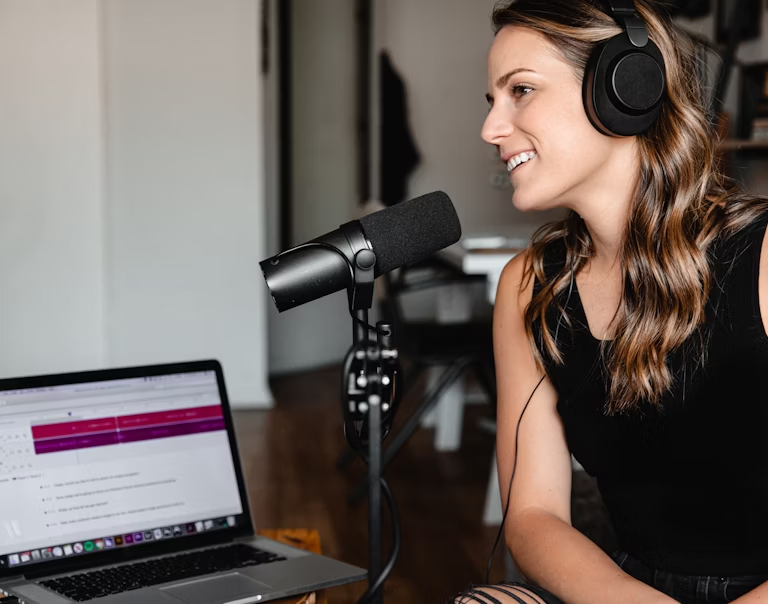
- Use a dedicated microphone. Even a basic USB microphone produces much cleaner audio than a built-in laptop mic or speakerphone.
- Minimize background noise. Record in a quiet room and close doors to reduce echo and ambient sound.
- Avoid overlapping speech. Accuracy drops when multiple speakers talk at the same time. Encourage participants to speak one at a time where possible.
- Use the editor for corrections. The built-in editor lets you fix any errors and click a passage to replay the matching audio before exporting.